

In a world where creativity meets convenience, mobile drawing apps have become the sketchbook of the future. Gone are the days of lugging around heavy art supplies; now, a powerful drawing tool fits right in your pocket. Whether you’re doodling during your morning commute or crafting a masterpiece while waiting for your coffee, these apps turn any moment into an opportunity for artistic expression.
Best Mobile Drawing Apps
Mobile drawing apps serve artists with versatile tools, offering features that replicate traditional mediums. These applications cater to various skill levels, making art accessible for beginners and professionals alike. Users benefit from an array of brushes, colors, and textures that enhance the creative process.
Many apps include layers, enabling artists to work on complex compositions without losing previous edits. Collaboration features allow multiple users to create together in real time, which enhances artistic experiences. Importing images into these apps aids in transforming photographs into digital artwork.
Platforms like Procreate, Adobe Fresco, and Sketchbook stand out for their intuitive interfaces and powerful capabilities. Procreate boasts an extensive brush library, while Adobe Fresco shines with its live brushes that simulate real painting effects. Sketchbook attracts users with its user-friendly design, making it ideal for quick sketches and detailed illustrations.
The convenience of mobility is a key advantage of these apps. Artists can sketch ideas on-the-go using tablets and smartphones. Furthermore, cloud storage options provide peace of mind, ensuring artwork is safely backed up and accessible across devices.
Mobile drawing apps play a significant role in modern artistic creation and eliminate barriers found in traditional art supplies. Artists can explore their creativity flexibly, resulting in a growing community of digital creators who share work online.
Top Features to Look For
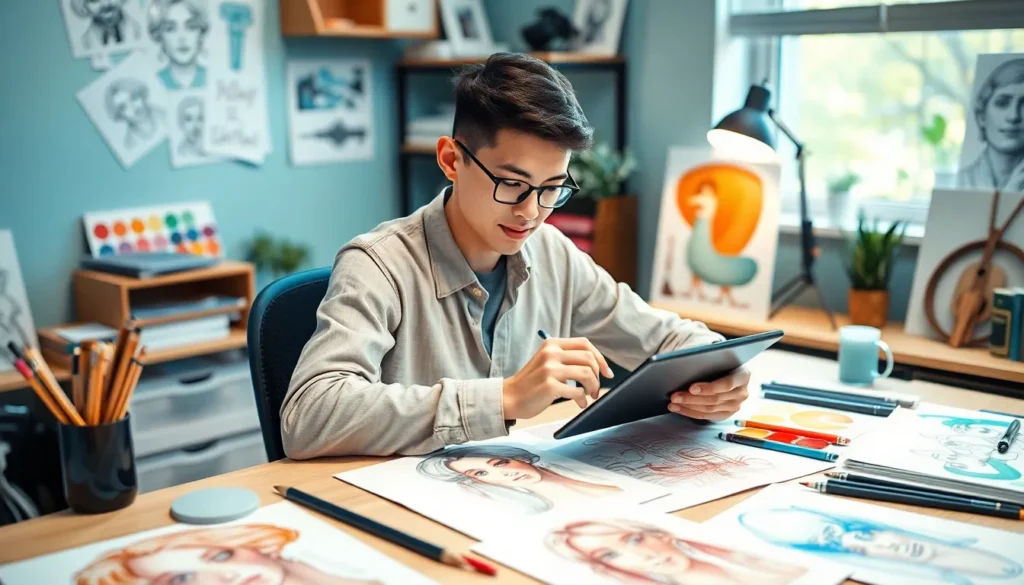
When evaluating mobile drawing apps, certain features enhance the overall user experience and artistic capabilities.
User Interface Design
An intuitive user interface simplifies navigation for artists of all levels. Clean layouts contribute to quick access to essential tools, enhancing workflow. Touchscreen responsiveness allows for seamless drawing experiences, while customizable menus let users personalize their workspace. User-friendly settings minimize learning curves for beginners. Gesture controls facilitate fluid movements for actions like zooming and panning, improving efficiency in the creation process.
Brush and Color Options
Diverse brush options allow artists to emulate various traditional mediums effectively. Customizable brush settings let users adjust size, opacity, and texture for unique effects. A broad color palette ensures artists can find the perfect shades for their masterpieces. Gradient tools enable smooth transitions between colors, expanding creative possibilities. Some apps even include color picking from images, enhancing inspiration from real-life environments.
Layer Support
Layer support is essential for creating complex artwork. Multiple layers allow users to work on different components without affecting the entire piece. Features like layer groups simplify organization, while blending modes facilitate creative effects and textures. Adjustable layer opacity provides flexibility when combining elements. Locking and hiding layers further enhance control over the editing process, ensuring a smooth workflow.
Best Mobile Drawing Apps of 2023
Mobile drawing apps continue to evolve, offering artists powerful tools and a platform that promotes creativity anytime and anywhere. Below are some standout applications making waves this year.
App 1: Procreate Pocket
Procreate Pocket offers a robust drawing experience tailored for iPhone users. This app features versatile brush customization alongside an expansive color palette. Artists can easily use layers for more detailed work, enhancing the creative process. Its user-friendly interface simplifies navigation, making it accessible for both beginners and seasoned professionals. Unique essentials like time-lapse recording allow users to share their artistic journey effortlessly.
App 2: Adobe Fresco
Adobe Fresco stands out with its live brushes that mimic traditional painting techniques. It supports vector and raster graphics, catering to diverse artistic styles. Users can benefit from a comprehensive range of professional-grade tools and brushes. Compatibility with Adobe Creative Cloud ensures seamless integration across various devices. Real-time collaboration features also enable artists to connect and create with others instantly.
App 3: Autodesk SketchBook
Autodesk SketchBook serves as a versatile platform for sketching and illustration. The app provides a clean, distraction-free interface that enhances focus during artwork creation. It comes equipped with an extensive library of brushes and customizable tools. Users appreciate the layer management system, which allows for intricate designs without clutter. Integration with various file formats ensures easy sharing and exporting of artwork.
App 4: MediBang Paint
MediBang Paint is ideal for comic book artists and illustrators. It offers a comprehensive suite of tools optimized for creating manga and illustrations. The app features cloud storage, allowing users to access their projects from anywhere. Numerous brushes and resources enhance creativity, while text tools help in comic creation. Its community aspect also enables artists to collaborate and showcase their work.
App 5: ArtFlow
ArtFlow delivers a smooth drawing experience suited for professional and novice artists alike. The app’s fluid performance and pressure sensitivity enhance the natural feel while drawing. Users enjoy access to a wide array of brushes and textures, enabling personalized artwork creation. The built-in PSD export feature aids in transferring projects to Adobe Photoshop smoothly. Additionally, its intuitive design supports efficient workflow for rapid creativity.
Comparison of Key Apps
| App Name | Key Features | Suitable For |
|---|---|---|
| Procreate Pocket | Offers a robust set of features tailored for iPhone users. | Professional artists and enthusiasts. |
| Adobe Fresco | Known for live brushes that replicate traditional techniques for realism. | Illustrators and graphic designers. |
| Autodesk SketchBook | Features a distraction-free interface optimal for sketching. | Beginners and hobbyists. |
| MediBang Paint | Designed specifically for comic book artists, including community tools. | Comic and manga creators. |
| ArtFlow | Delivers smooth performance and excellent pressure sensitivity. | Both novice and experienced artists. |
Procreate Pocket excels in delivering powerful tools that facilitate intricate artistic creation on iPhones. Adobe Fresco stands out with its live brushes, which imitate real painting techniques, catering especially to illustrators seeking authenticity. Autodesk SketchBook provides an uncluttered space ideal for sketching, allowing users to focus entirely on their art.
MediBang Paint emphasizes features for comic book artists, offering a suite that includes collaboration functions, enhancing community engagement. ArtFlow prioritizes a smooth user experience, making it accessible for everyone from beginners to seasoned professionals, thanks to its pressure sensitivity and responsiveness.
Each app not only supports various artistic endeavors but also offers distinct features that meet unique user needs. Artists selecting the right app can consider their specific requirements, such as preferred art styles, tools, and user interfaces, to enhance their mobile drawing experience effectively.
Conclusion
Mobile drawing apps have revolutionized the way artists create and share their work. With features that replicate traditional art tools and enhance user experience these apps empower both beginners and seasoned professionals. The flexibility to draw anywhere at any time makes creativity more accessible than ever.
As the digital art community continues to grow artists can choose from a variety of apps tailored to their unique styles and needs. Whether it’s the intricate capabilities of Procreate Pocket or the user-friendly design of Autodesk SketchBook each app offers something special. By embracing these mobile platforms artists can unlock new possibilities and refine their skills in exciting ways.

